How to Integrate Calendly with Chatpro AI for Automated Appointment Schedulin
Learn how to integrate Calendly with Chatpro AI step by step to automate meeting scheduling with AI agents. Improve conversions, reduce friction, and book meetings directly from conversations.

Andrés Olarte
Author
Step-by-Step: How to Integrate Calendly with Chatpro AI
Step 1: Log in to Your Calendly Account
Go to Calendly.com and log in using your Google, Microsoft, or email account.
Make sure you already have at least one Event Type created (for example: 30 Minute Meeting).
Step 2: Select the Event You Want to Use
Inside your Calendly dashboard:
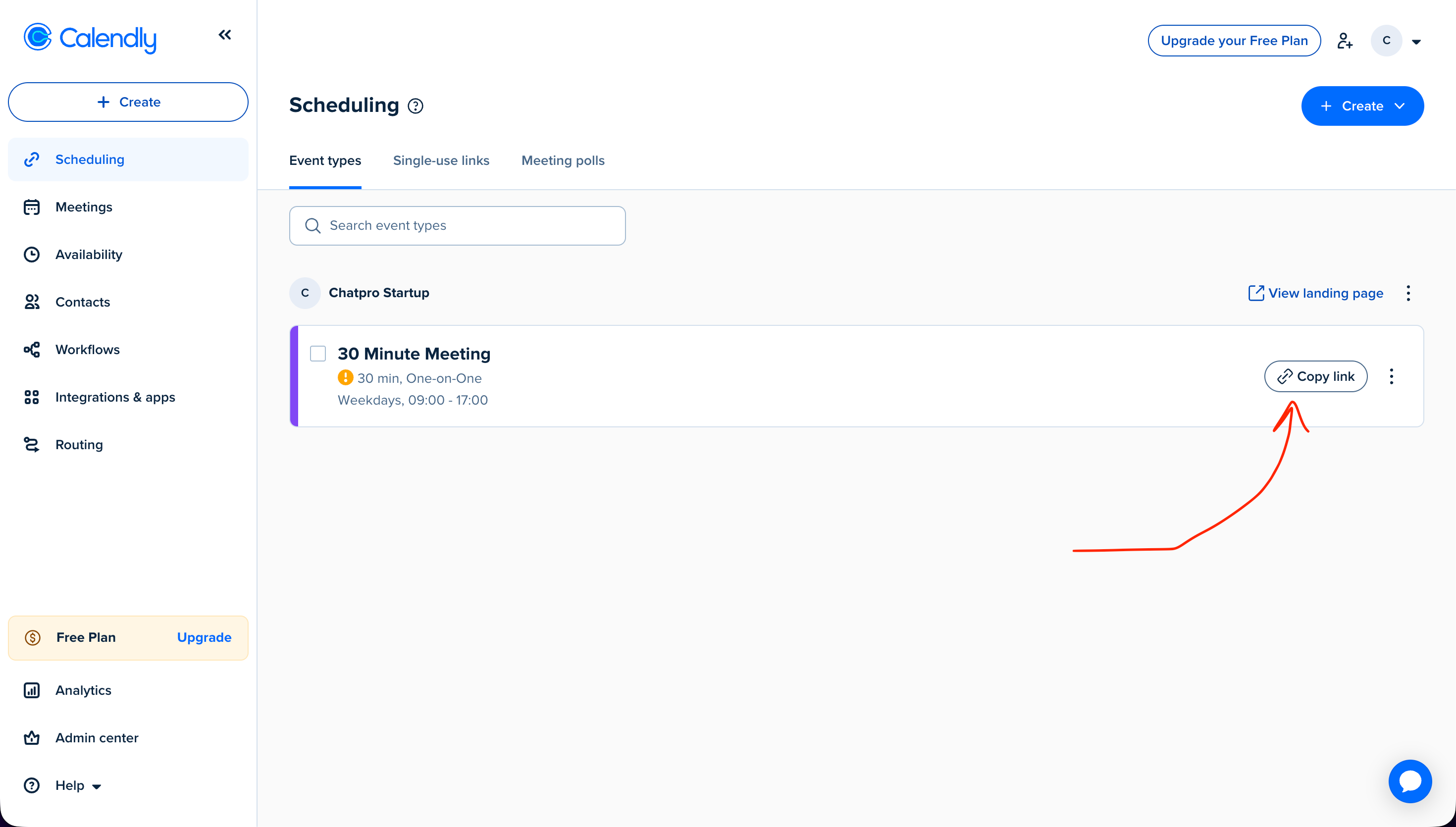
- Navigate to Scheduling → Event types
- Choose the event you want your AI agent to schedule (e.g. 30 Minute Meeting)
- Click on Copy link for that event
This link is the public scheduling URL that your AI agent will use.
Example:
https://calendly.com/your-company/30min
Step 3: Open Chatpro AI and Go to AI Actions
Now switch to Chatpro AI:
- Open your Chatpro AI dashboard
- Navigate to AI Actions
- Find Calendly in the list of available integrations
- Click Add
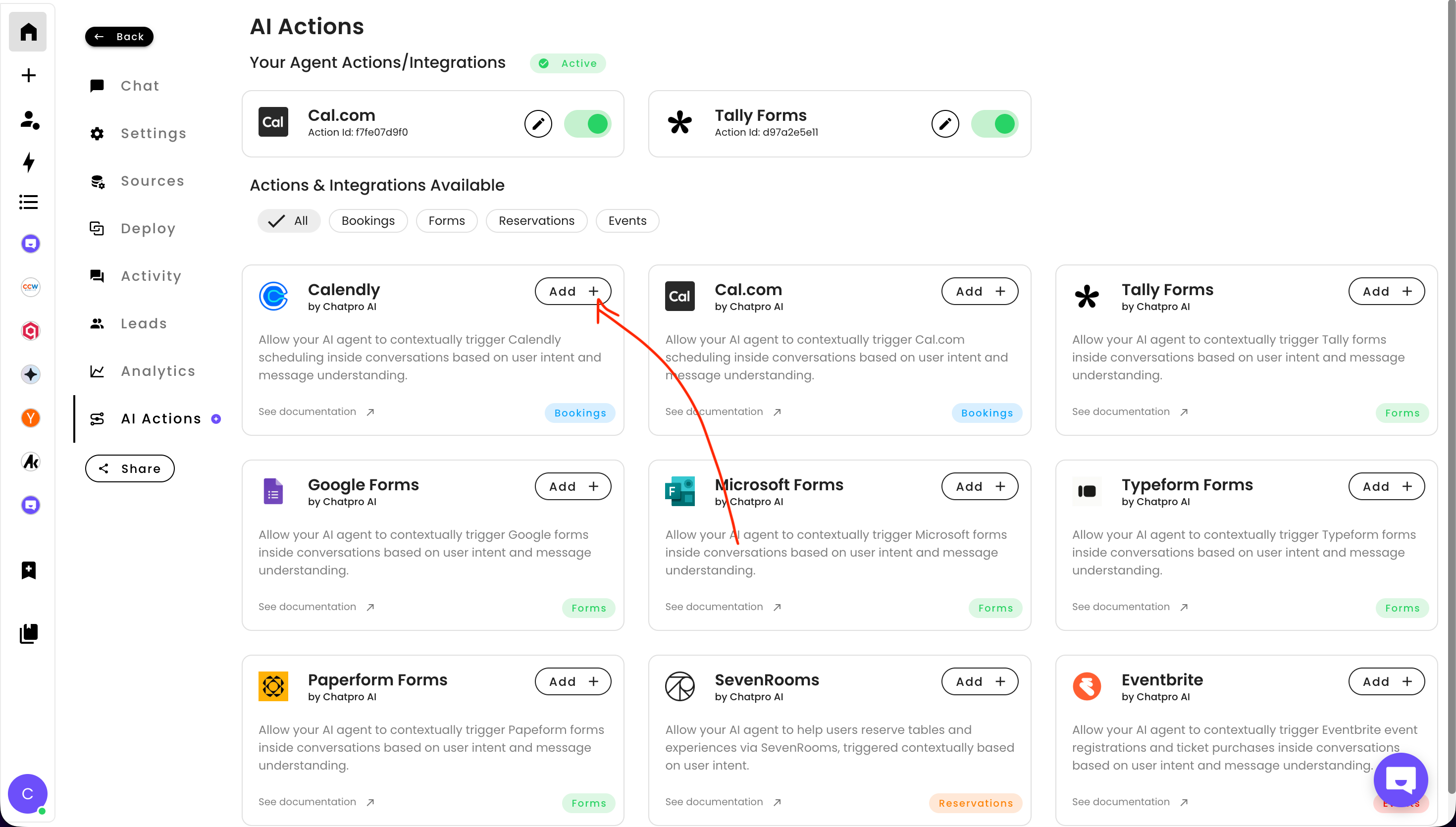
Step 4: Paste Your Calendly Link
In the Calendly configuration modal:
- Paste your Calendly event URL into the Calendly URL Link field
- Define the trigger condition, for example:
This tells your AI agent when to show or trigger the scheduling flow.
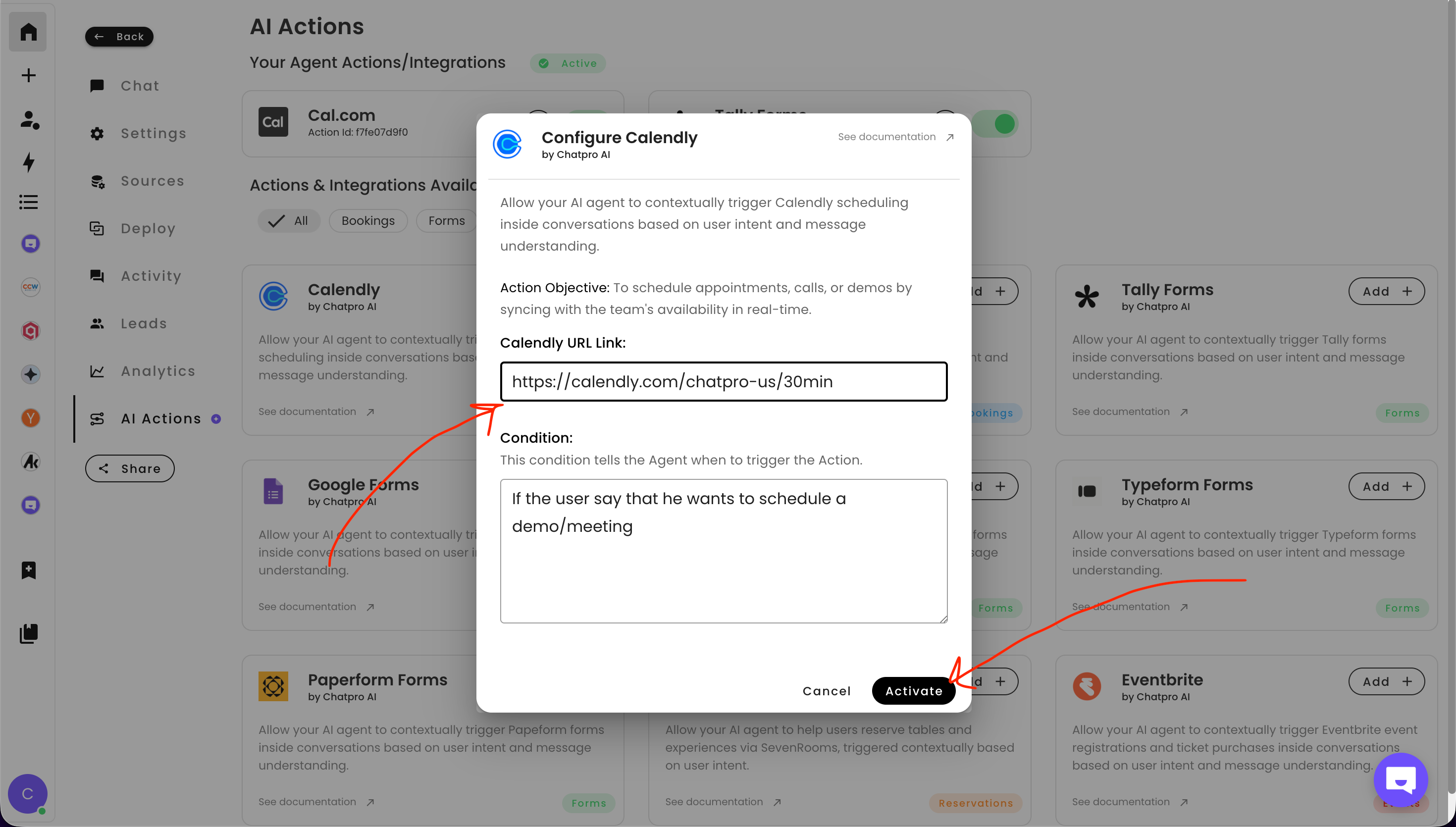
Step 5: Activate the Integration
Click Activate.
That’s it 🎉
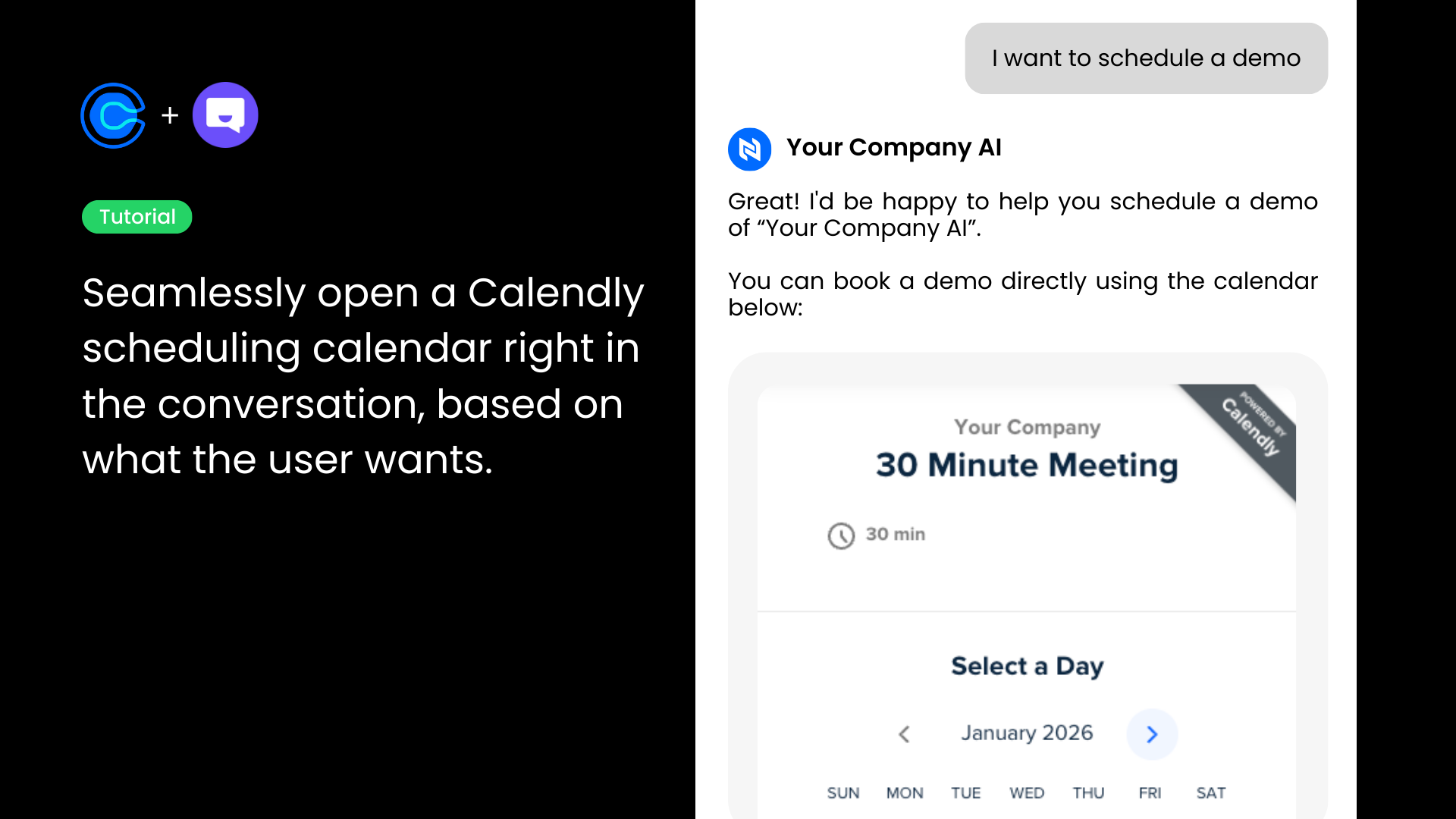
Your AI agent can now automatically share your Calendly and help users book meetings directly from the conversation.
How It Works in Practice
Once activated, when a user says something like:
- “I want to book a demo”
- “Can I schedule a call?”
- “I’d like to talk to sales”
Your Chatpro AI agent will instantly respond with your Calendly scheduling link and guide the user to book a time, fully automated.
Best Practices
- Use one Calendly link per event type (sales, support, onboarding, etc.)
- Write clear trigger conditions so the AI knows exactly when to schedule
- Combine Calendly with CRM or lead capture actions for maximum impact
Share this article
Build AI agents for Free using ChatPro
Connect your data, get a custom AI Agent, and share it anywhere.
- - Embed on your website
- - AI Chat and Voice

Keep Reading
How to Integrate Typeform with ChatPro AI Agents (Step-by-Step Guide)
Learn how to integrate Typeform with ChatPro AI Agents in minutes. Automatically collect feedback, surveys, and form responses inside AI-powered conversations.
How to Integrate Tally Forms with ChatPro AI Agents (Step-by-Step Guide)
Learn how to integrate Tally Forms with ChatPro AI in seconds. Collect user data, feedback, and surveys automatically using AI-powered agents and smart form triggers.
How to Add AI-Powered Appointment Scheduling to Your Agent (Cal.com)
Learn how to add AI-powered appointment scheduling to your chatbot. Step-by-step guide to automate meeting, demo, and call bookings using AI agents and Cal.com.
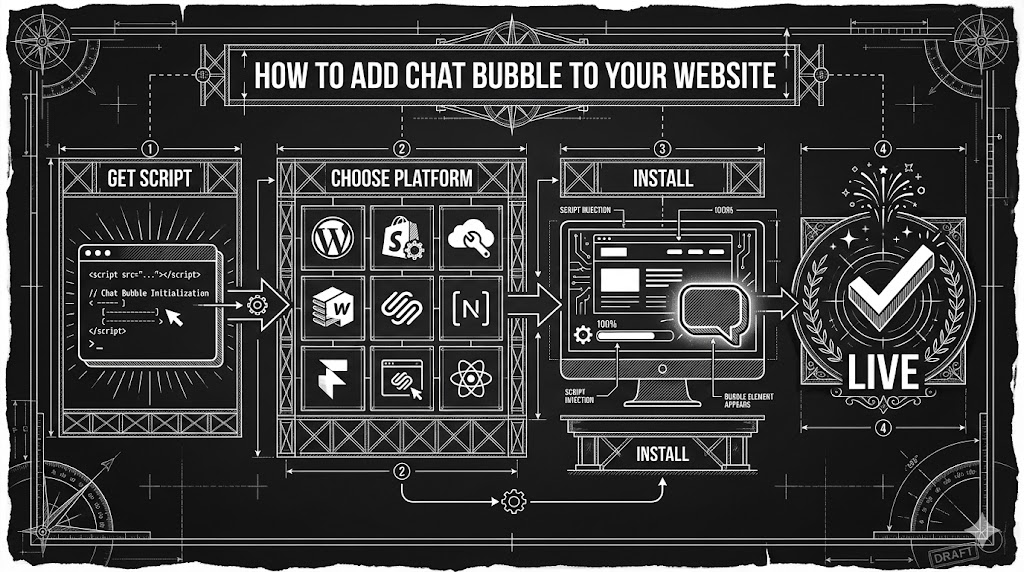
How to add a Chat Bubble to your website
A quick step-by-step guide to installing the ChatPro chat bubble on top website builders (WordPress, Framer, Webflow, Shopify, Wix, Squarespace) and developer frameworks like React, Vue, Angular, and Next.js.